
Signatures
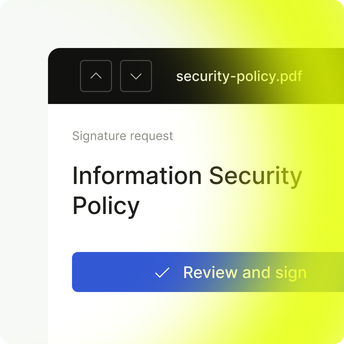
List every document waiting for the employee’s signature, with a counter that stays put while they sign.
Give every employee one place to sign policies, approve documents, and enroll their laptop, while your identity provider keeps the list of people current.
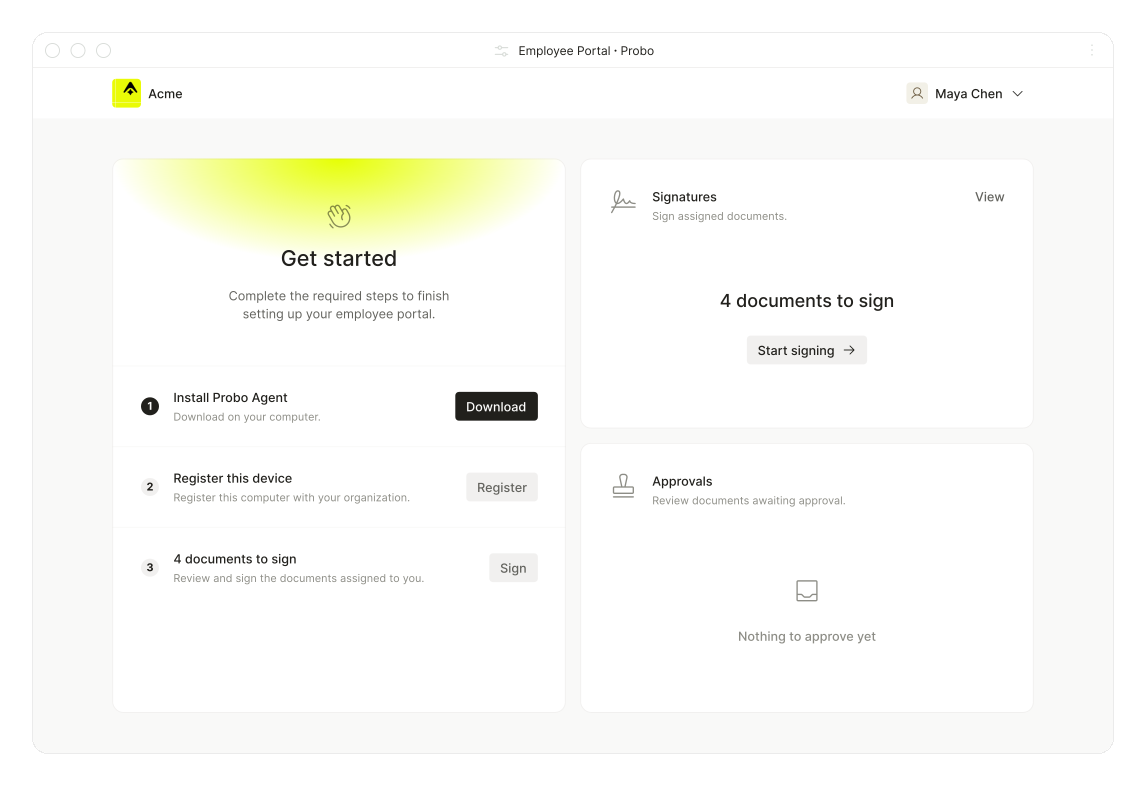
Give each person a home for what they need to sign, approve, and enroll, without handing them the admin console.
Give each person a home dashboard that leads with what they still need to sign, approve, and enroll.
Sync people over SCIM so each new hire lands in Probo with the Employee role.
Let people read the latest version, check its history, and sign or approve without leaving the page.
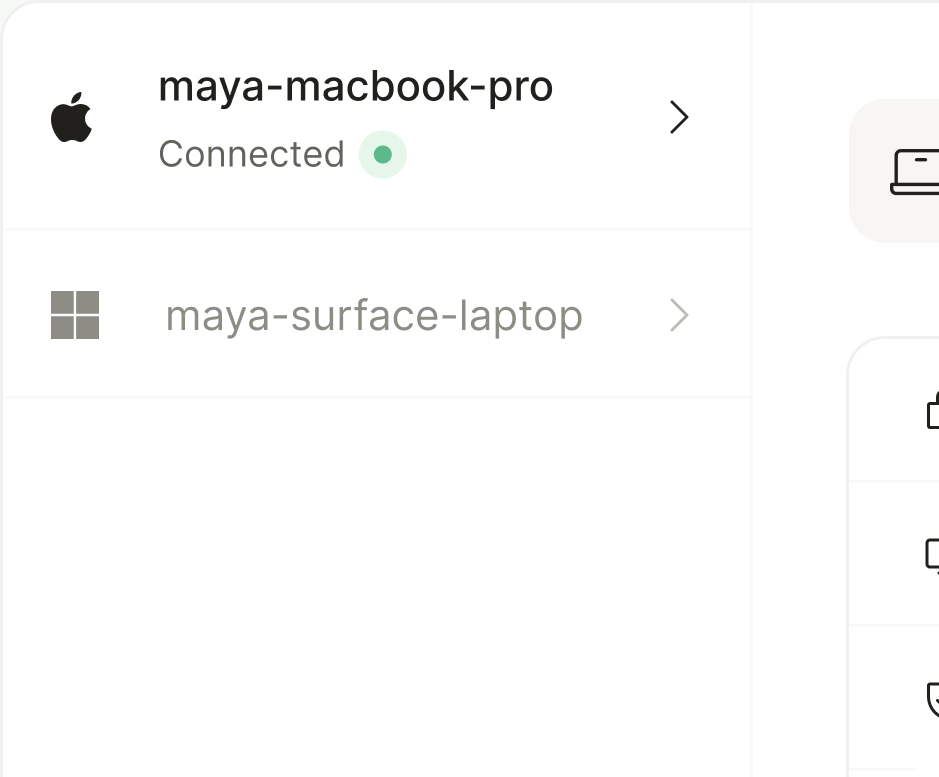
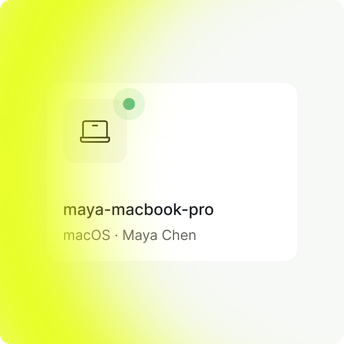
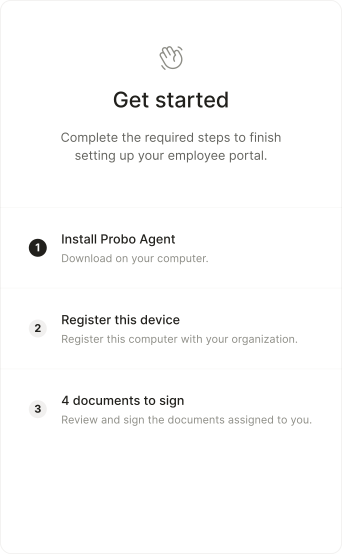
Walk employees through downloading the Probo agent and enrolling their laptop from a guided wizard.
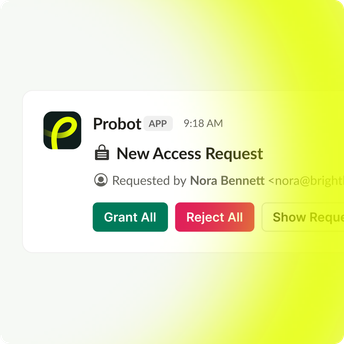
Link each person’s Slack identity to Probo so approval requests arrive as messages with action buttons.
Provision people from your directory, collect signatures and approvals in the portal, and cover devices and Slack from the same account.
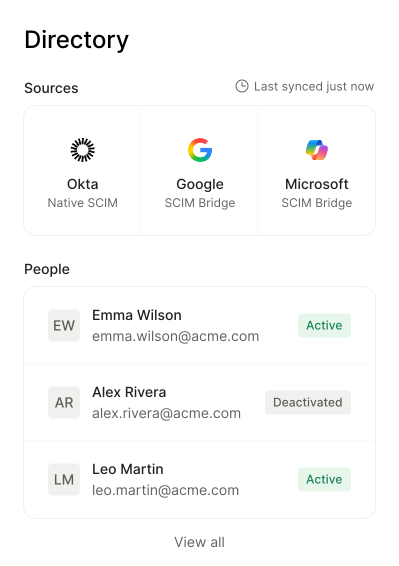
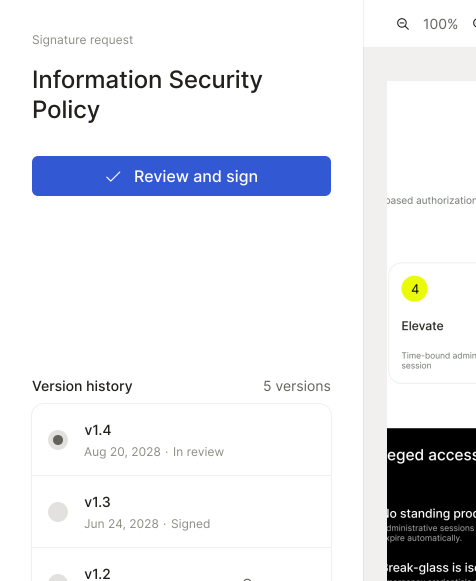
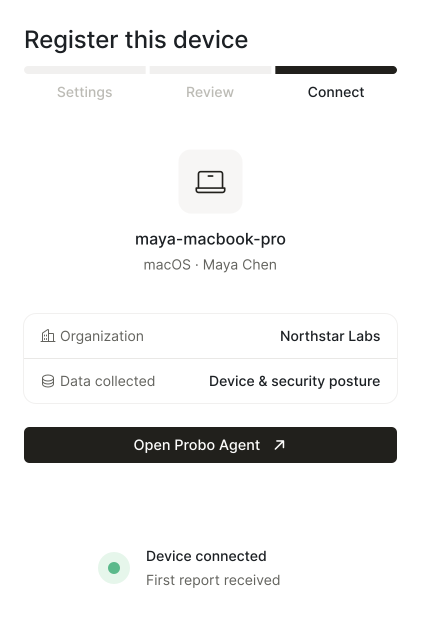
Organize signatures, approvals, signed policies, devices, and Slack in one portal instead of email reminders and device spreadsheets.
List every document waiting for the employee’s signature, with a counter that stays put while they sign.
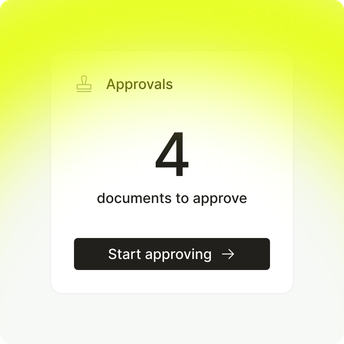
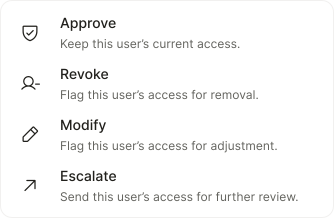
Queue the documents a person must approve, paginated apart from signatures so nothing gets buried.
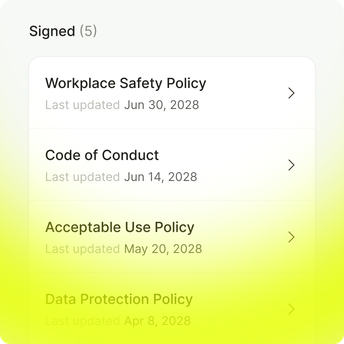
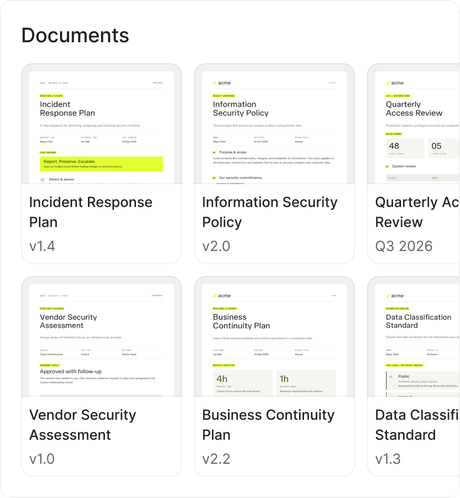
Keep the policies each person already signed or approved, so they can reread them anytime.
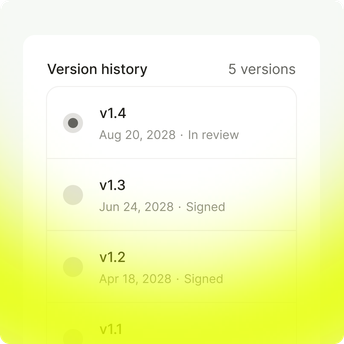
Show past versions next to the current one, while sign and approve act on the latest.
List the employee’s enrolled devices and their status, and register a new one from the same page.
Connect the employee’s Probo account to Probot so requests reach them where they already work.
Compliance teams use Probo to collect policy sign-offs, keep document approvals moving, and get every work device enrolled.

“Probo handled our SOC 2 and compliance, so we could focus on building.”

Trusted by teams building compliance-ready workflows


Automatically, once SCIM is connected. Every person your identity provider assigns or syncs lands in Probo with the Employee role, ready to use the Employee Portal.
Okta, Google Workspace, and Microsoft 365. Okta pushes changes over native SCIM, while Google Workspace and Microsoft 365 sync through SCIM Bridge on a schedule.
Only their own work. The Employee role sees assigned documents and can sign and approve when asked, with no access to the rest of your compliance program.
Yes. The document viewer shows the latest version with its version history, so people can read the full text and look back at past versions before they sign.
Yes. Every signature produces a signed PDF and an esign record with the signer’s IP address and user agent, using the same consent wording as the rest of Probo.
Yes. SCIM Bridge exclusions keep identities such as service accounts or shared mailboxes out of the sync, and you can change anyone’s role in People afterward.
They lose access. When your directory deactivates them, SCIM deactivates them in Probo, which blocks sign-in while keeping their record.
Enroll it manually. The Employee Portal issues a one-time token with CLI instructions, so IT can still cover the device.
No. Slack is optional. Linking with /probot login moves requests into Slack messages, and the same work stays available in the Employee Portal.
Four. The Employee Portal ships in English, French, Dutch, and Spanish.
Expert-led compliance, end to end

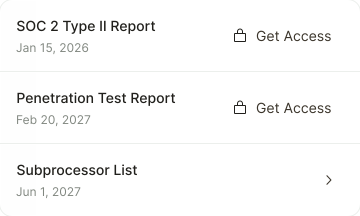
Share security documents securely
Draft, approve, and sign your policies
Your whole team’s compliance, in one portal
Monitor user access across all your systems
Run compliance from the tools you use

Consent that follows every visitor's law
Monitor device security posture continuously